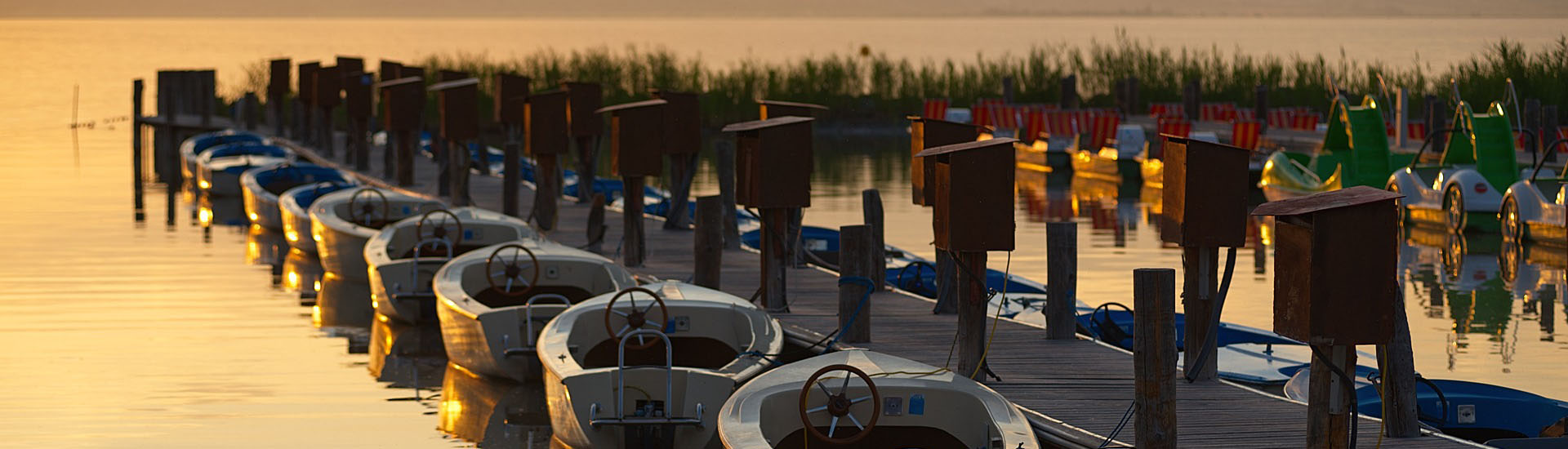
Demo — booking system for boat rental
Let your boats rent themselves
This is a working i-Reserve environment for boat rental. Your customers book around the clock, and you see in a single planner which boat is free. Below are four ways to book — try them out and decide which one suits your customers best.
-
Overview
The whole fleet side by side, with a photo, the departure point and the number of people it takes. Works well when customers pick a boat first and a date second.
Browse the fleet → -
Calendar
Two months at a glance: green is free, red is taken. Customers see straight away when there is still room, and click the day they want.
Open the calendar → -
Search
Filter by day, start time, sailing time and location — customers only see the boats that are genuinely ready to sail at that moment.
Find a boat → -
Widget
You can also book through the widget: a compact booking window you place on your own website. Try it at the bottom right of this page.
Open the widget ↘
How a booking works
From first click to confirmation in the inbox — without you in the middle.
- 1
Pick a boat
The customer selects a boat, or filters by location, time and duration.
- 2
Pick a day and time
Only what is free can be clicked. Double bookings simply cannot happen.
- 3
Confirm and pay
Fill in the details, pay online, confirmation by email. Done.
A different sector? Have a look at our other i-Reserve demo environments.